Every reel, counted per app
Each swipe to a new reel or short adds one, with a separate count for every app. Swiping back, pausing or opening the feed again doesn't inflate it.
ReelWise counts every reel and short you scroll on Instagram, YouTube, Facebook, TikTok and Snapchat, then helps you stop with daily limits, gentle alerts or a hard block.
Counts short videos on
Counting is automatic. You decide what happens when you've had enough.
Each swipe to a new reel or short adds one, with a separate count for every app. Swiping back, pausing or opening the feed again doesn't inflate it.
Set a number for each app. You get a heads-up at 75%, a notice when you reach the limit, and a nudge every 10 reels after it.
Choose Block instead of Alert and the feed closes the moment you go over. You can also pause an app's reel feed completely.
Keep reels closed during work, study or bedtime. Schedules can run past midnight, so a 22:00–07:00 window just works.
7-day and 30-day charts, estimated watch time, your busiest app, and streaks for every day you stay under your limits.
Join if you like and see where you rank today, yesterday, this week and all time. Only a nickname and your reel totals are shared.
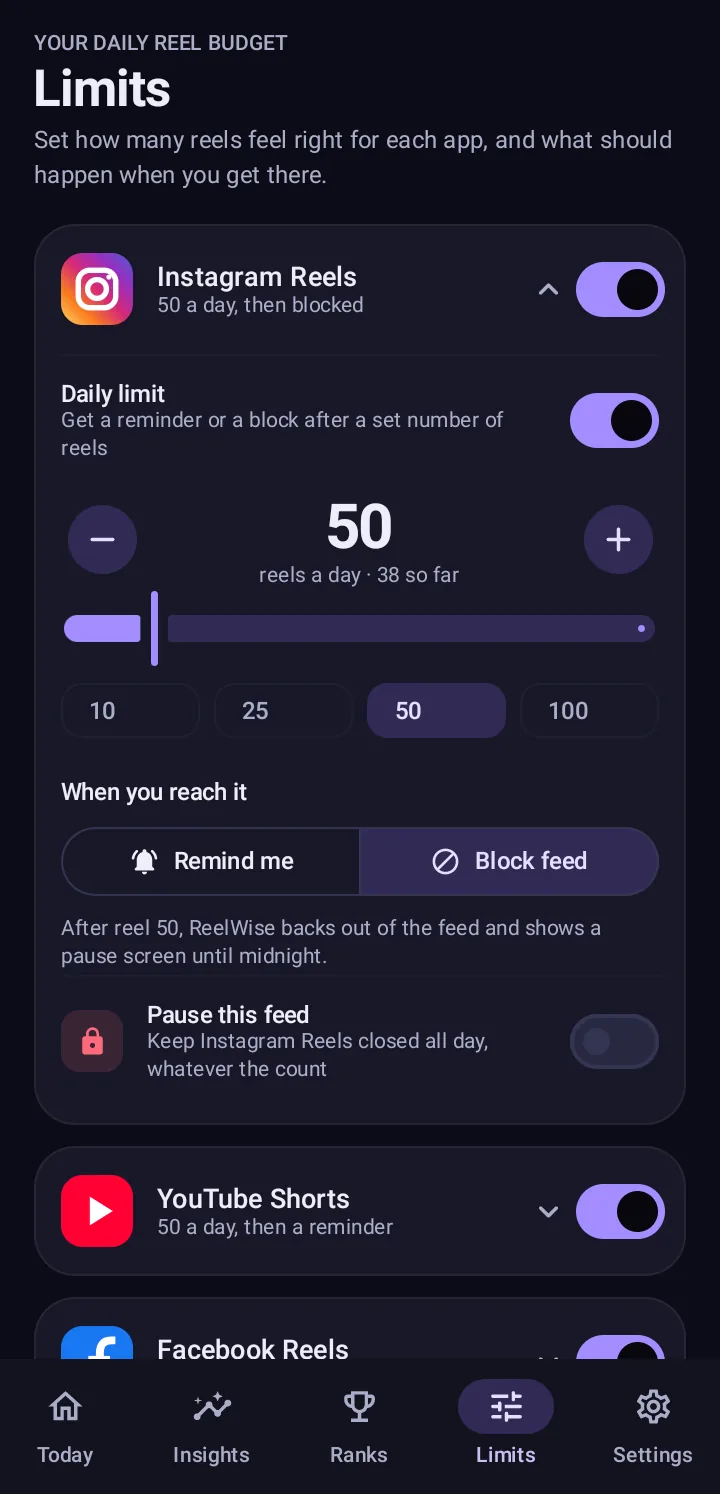
Pick a daily number for each app, or turn the limit off and just count. Then choose how strict it should be.
Keep watching, but you'll be told when you're near and past your limit.
The feed closes as soon as you go over, and stays closed until tomorrow.
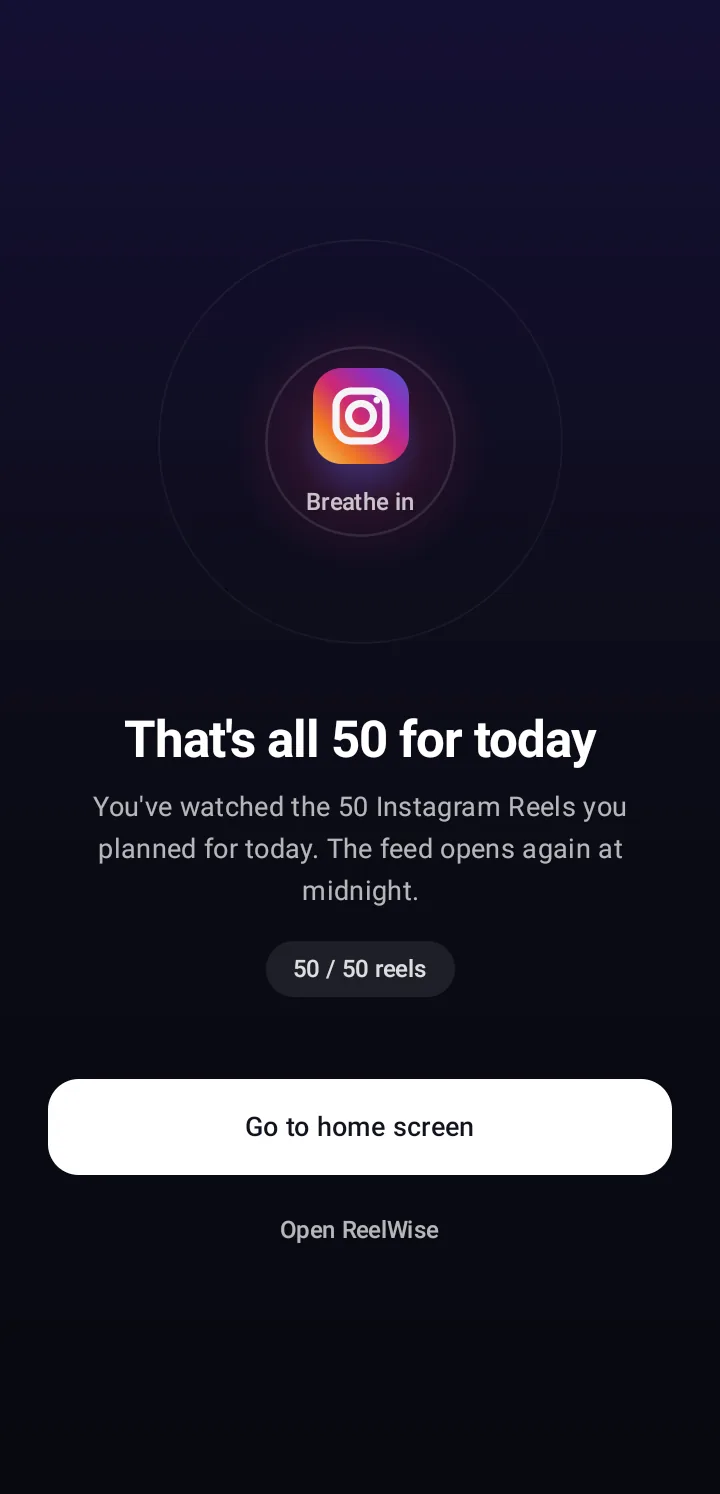
In Block mode ReelWise backs out of the reel feed and shows a pause screen until midnight. The rest of the app still works, so you can still read messages or check notifications.
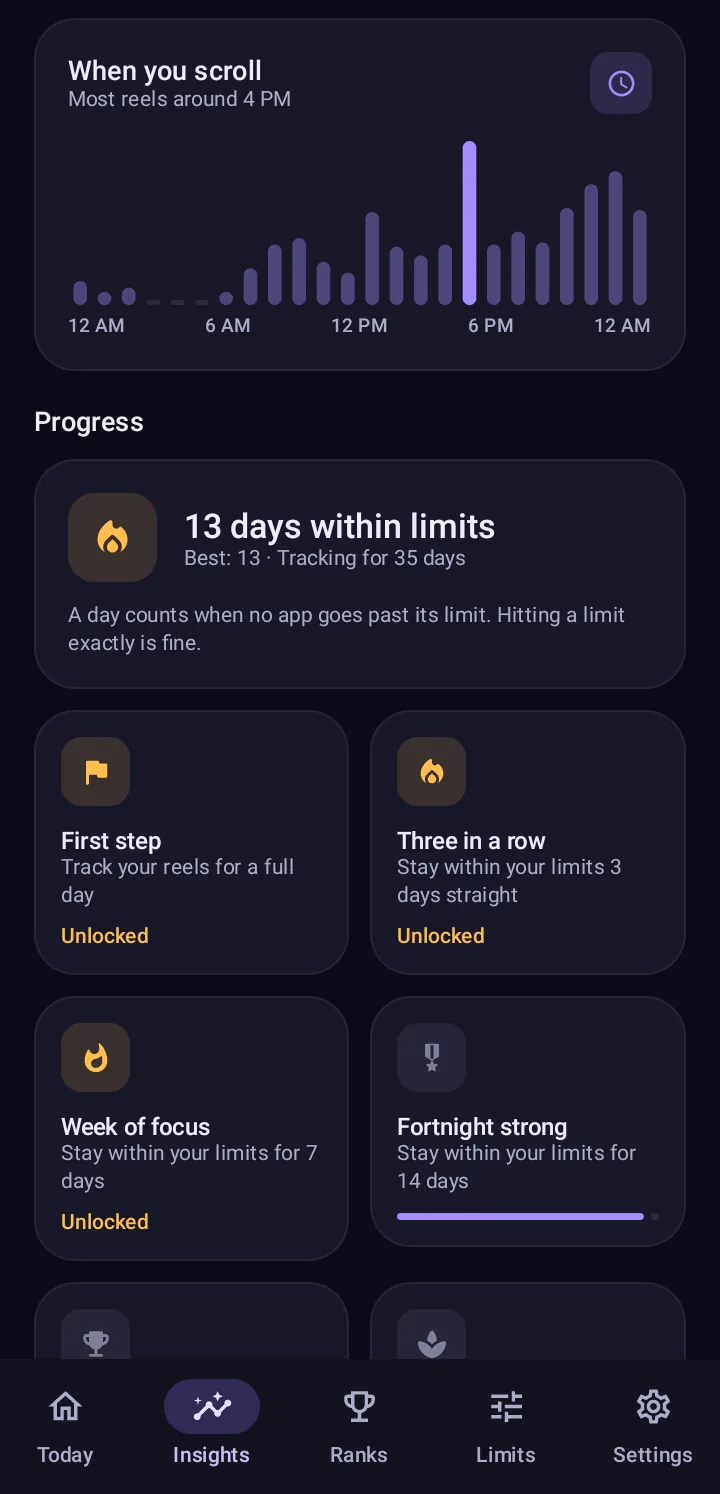
Clear charts show your week and month, which app takes most of your time and whether you're improving.
Android only lets apps see a reel swipe through its Accessibility service, so that's the one permission ReelWise asks for.
Get ReelWise free from Google Play. No sign-up needed.
Read what the Accessibility service does and doesn't do, then switch ReelWise on in Android settings.
Use your apps normally. Counts update live, and your limits kick in when you reach them.
The Accessibility service looks at screen structure only: which part of the app scrolled and where it stopped. Read the full Accessibility disclosure and Privacy Policy.
Messages, comments, captions, photos, videos, passwords and the text of other apps are never read or stored.
Your counts, limits, schedules and history are saved on your device. Nothing the service sees ever leaves it.
Accounts and the leaderboard are optional. Export, reset or delete your data from Settings whenever you like.
Light and dark themes, large numbers and no clutter.
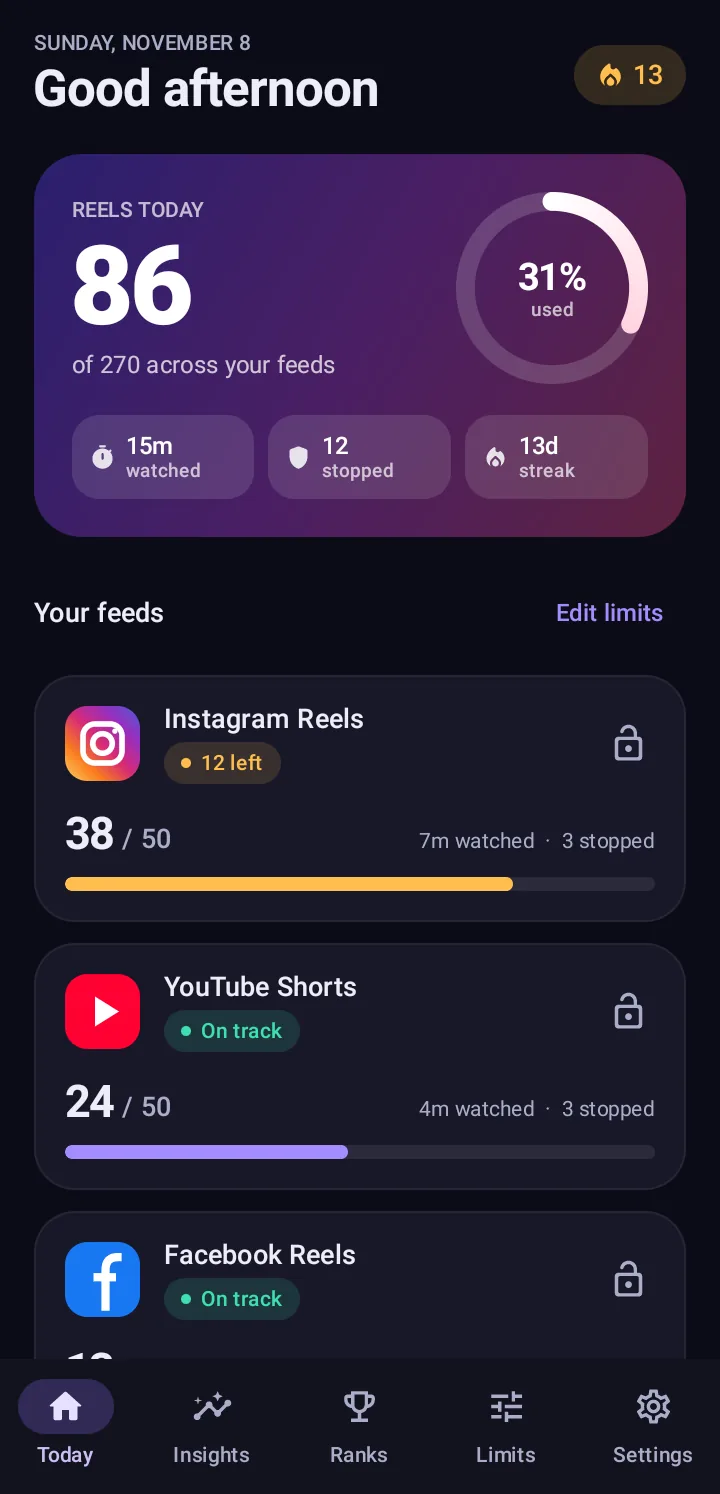
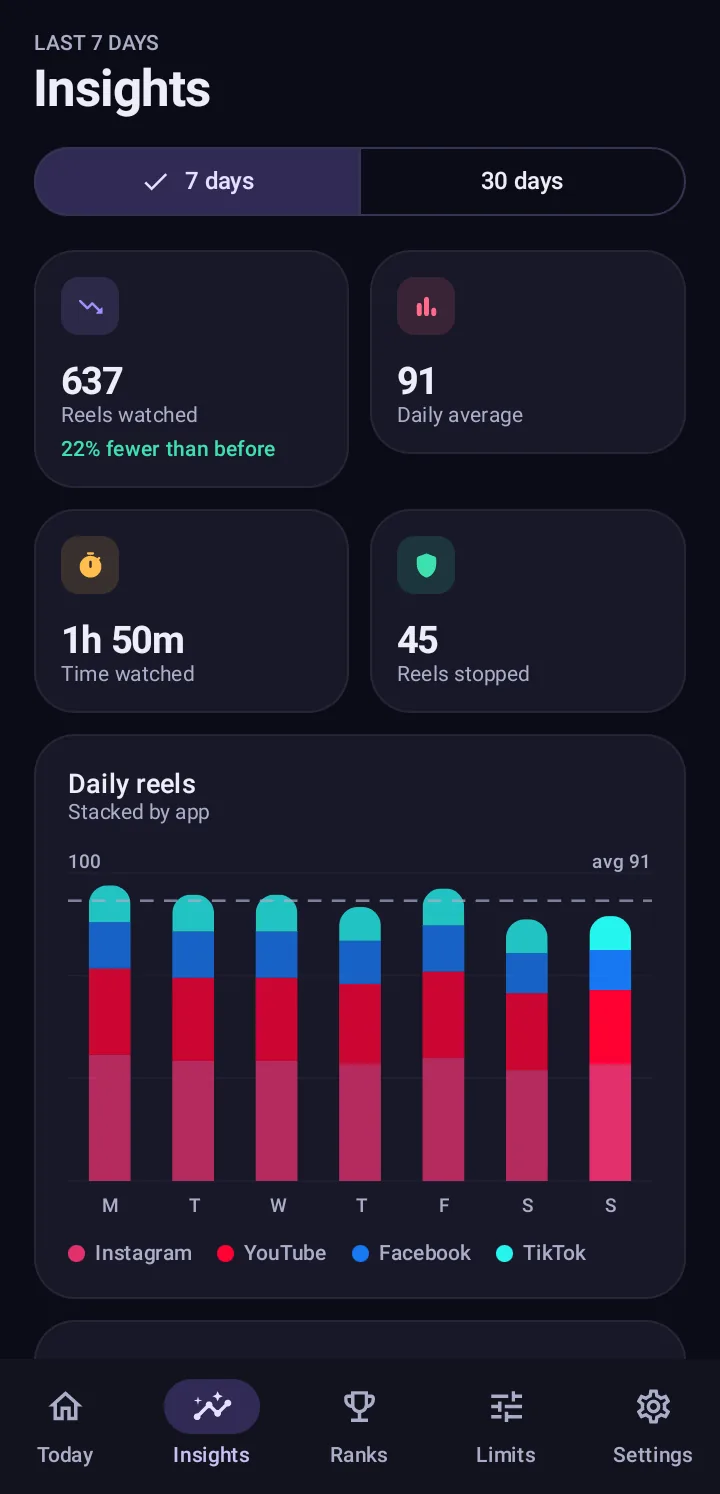
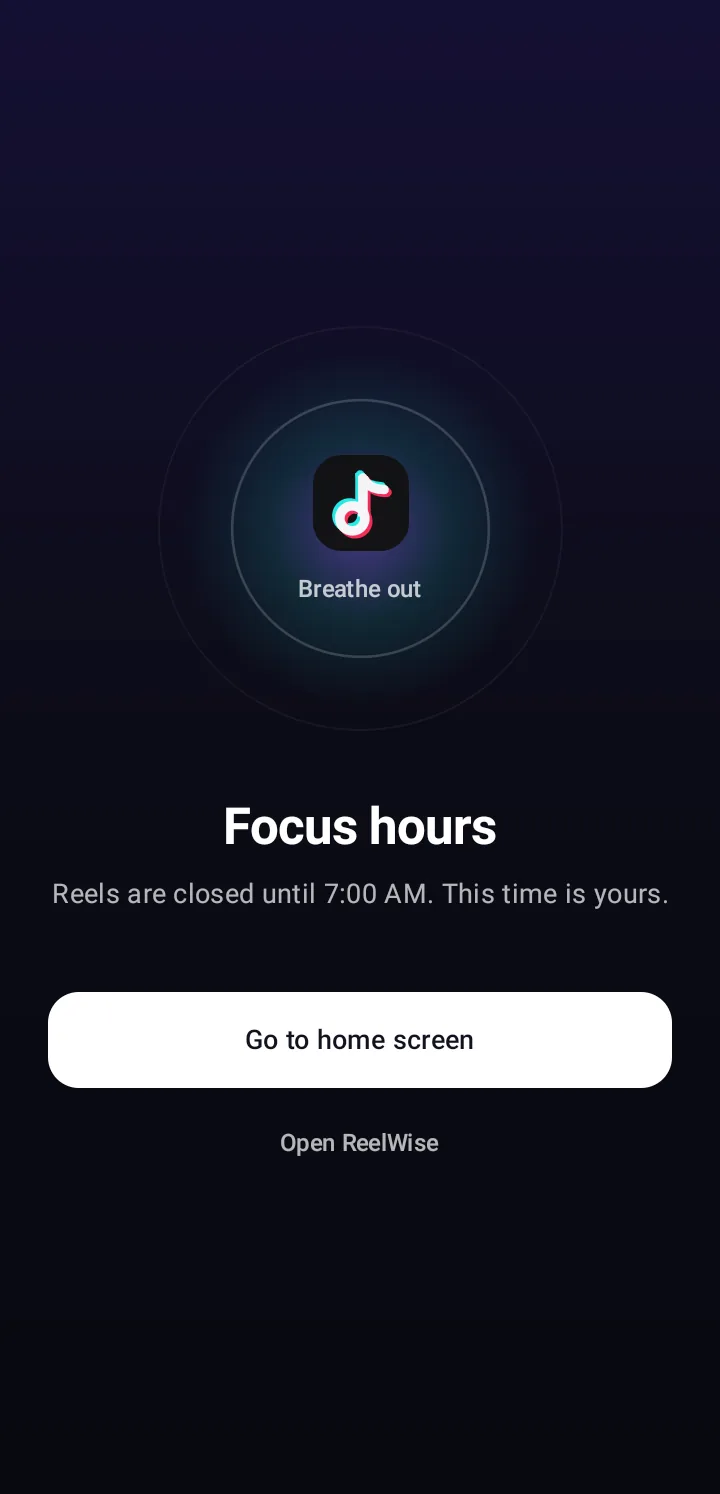
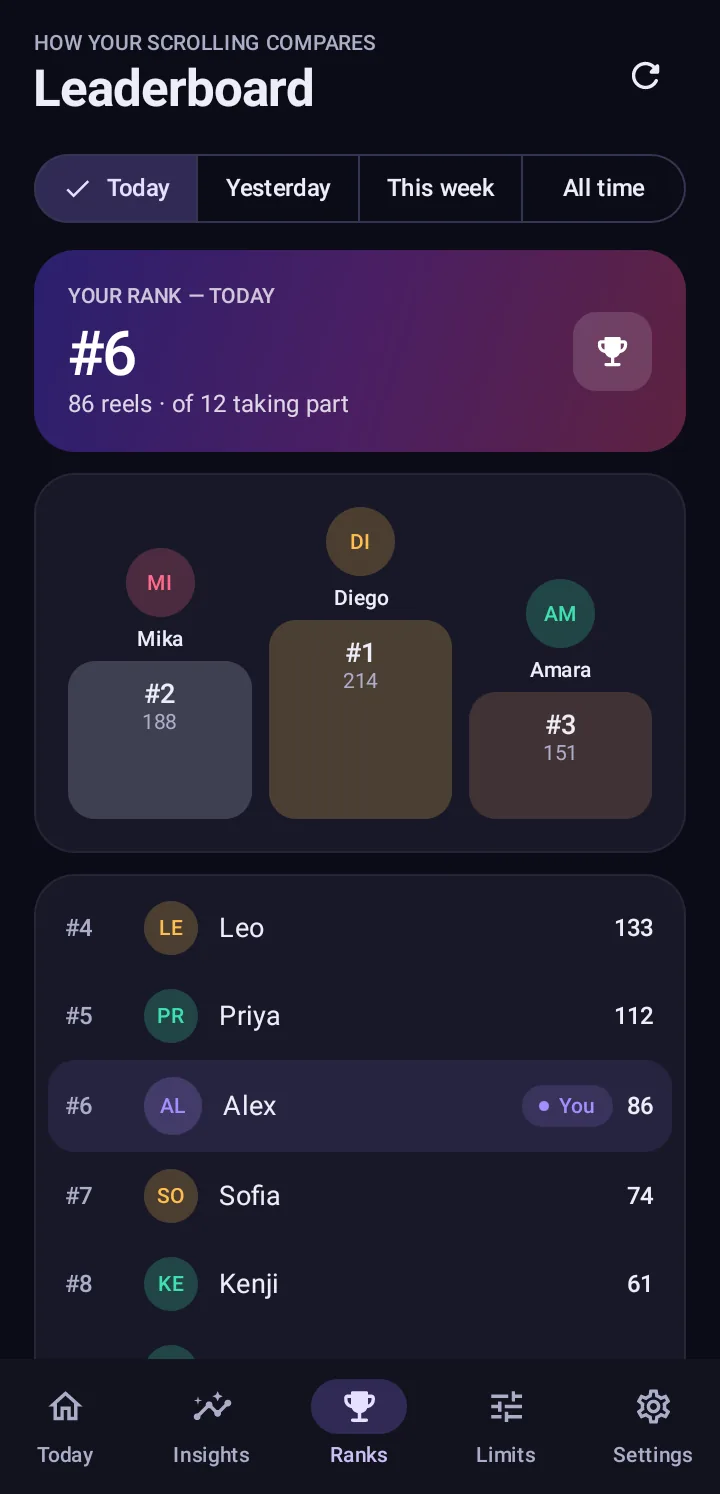
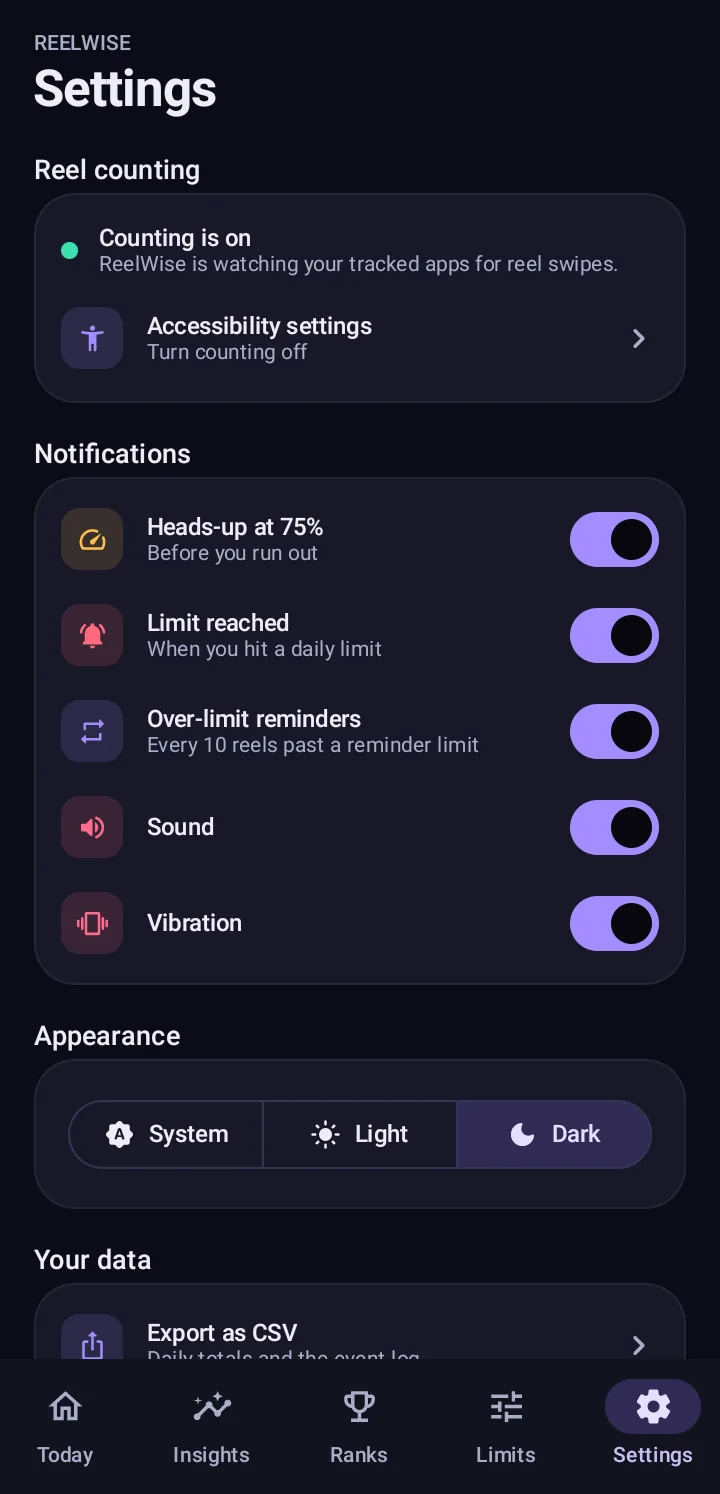
Screenshots use sample data.
It's the only way Android lets an app notice that you swiped to the next reel inside another app. Screen time tools only see how long an app was open, not how many reels you watched. The service is used to count swipes and to close a feed when you hit a limit, nothing else. Read the full disclosure.
No. It looks at screen structure only, such as which list scrolled and where it stopped. It doesn't read messages, comments, captions, passwords or the content of the videos, and it doesn't take screenshots or record the screen.
No. Counting, limits, focus hours and insights all work without one. An account is only useful if you want to join the leaderboard or keep your place on it when you change phones.
Yes. ReelWise is free and shows a small banner ad from Google AdMob. Ads never get your counts, your account or anything the Accessibility service sees.
Instagram Reels, YouTube Shorts, Facebook Reels, TikTok For You and Snapchat Spotlight. You can switch counting off for any of them.
Android 13 and newer restrict this setting for apps installed outside Google Play. Open Settings → Apps → ReelWise, tap the ⋮ menu, choose Allow restricted settings, then try again. Installing from Google Play avoids this.
Not at the moment. iOS doesn't let apps observe other apps the way Android's Accessibility service does, so ReelWise is Android only (Android 8.0 or newer).
More answers on the support page.

Find out how many reels you really watch, starting today. It's free.
Get it onGoogle Play